


📌 Did you know? Online scams have skyrocketed in recent years, costing individuals and businesses billions of dollars annually. Whether you’re a casual internet user or a seasoned professional, scammers are always finding new ways to trick people.
💡 In this guide, we’ll cover:
✅ The most common internet scams
✅ How these scams work (with images!)
✅ Expert tips to protect yourself
Let’s dive in and make sure you never fall for these traps!
1️⃣ Phishing Scams: The #1 Online Fraud
🔍 Phishing scams and how to avoid them
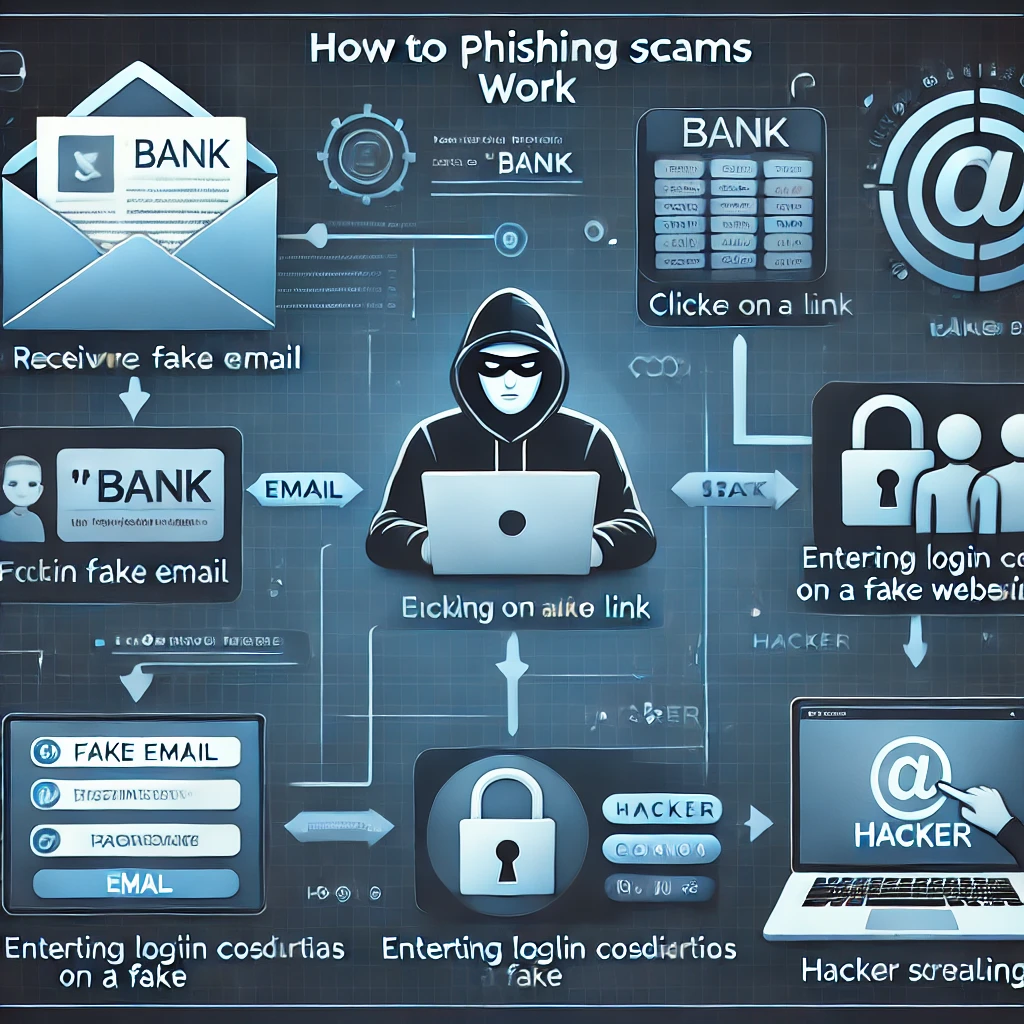
🚨 What is phishing?
Phishing is when scammers pretend to be a trusted company (like your bank or PayPal) to steal your passwords, credit card details, or personal info.
📌 How it works:
- You receive an email, text, or social media message that looks legit 📩
- It asks you to click a link and log in 🚨
- The fake website steals your login credentials 😱
🛡️ How to avoid phishing scams:
✅ Never click on links from unknown senders
✅ Check the sender’s email for misspellings or weird addresses
✅ Visit websites by typing the URL manually instead of clicking links
🔗 Read more about phishing scams on FTC.gov
2️⃣ Online Shopping Scams: Fake E-commerce Stores
🔍 Online shopping scams and how to spot fake websites
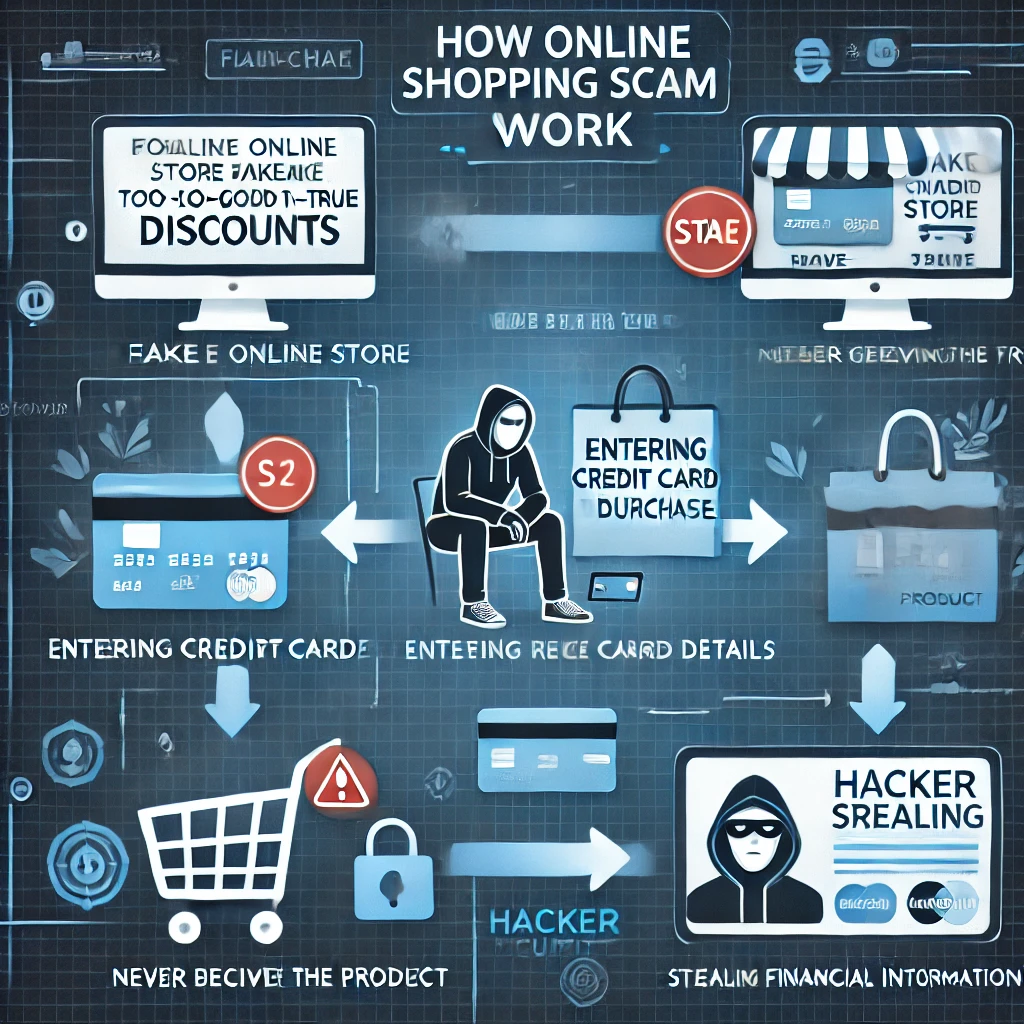
🚨 How it works:
- A scammy website sells high-end products at super low prices 🛍️
- You place an order, but the product never arrives 📦
- Or worse—your credit card details get stolen 💳
🛡️ How to avoid it:
✅ Only shop on trusted websites (Amazon, Walmart, Best Buy, etc.)
✅ Look for customer reviews and check the URL for HTTPS 🔒
✅ Use PayPal or virtual cards for extra security
🔗 Check if a website is legit at ScamAdviser
3️⃣ Tech Support Scams: “Your Computer Has a Virus!”
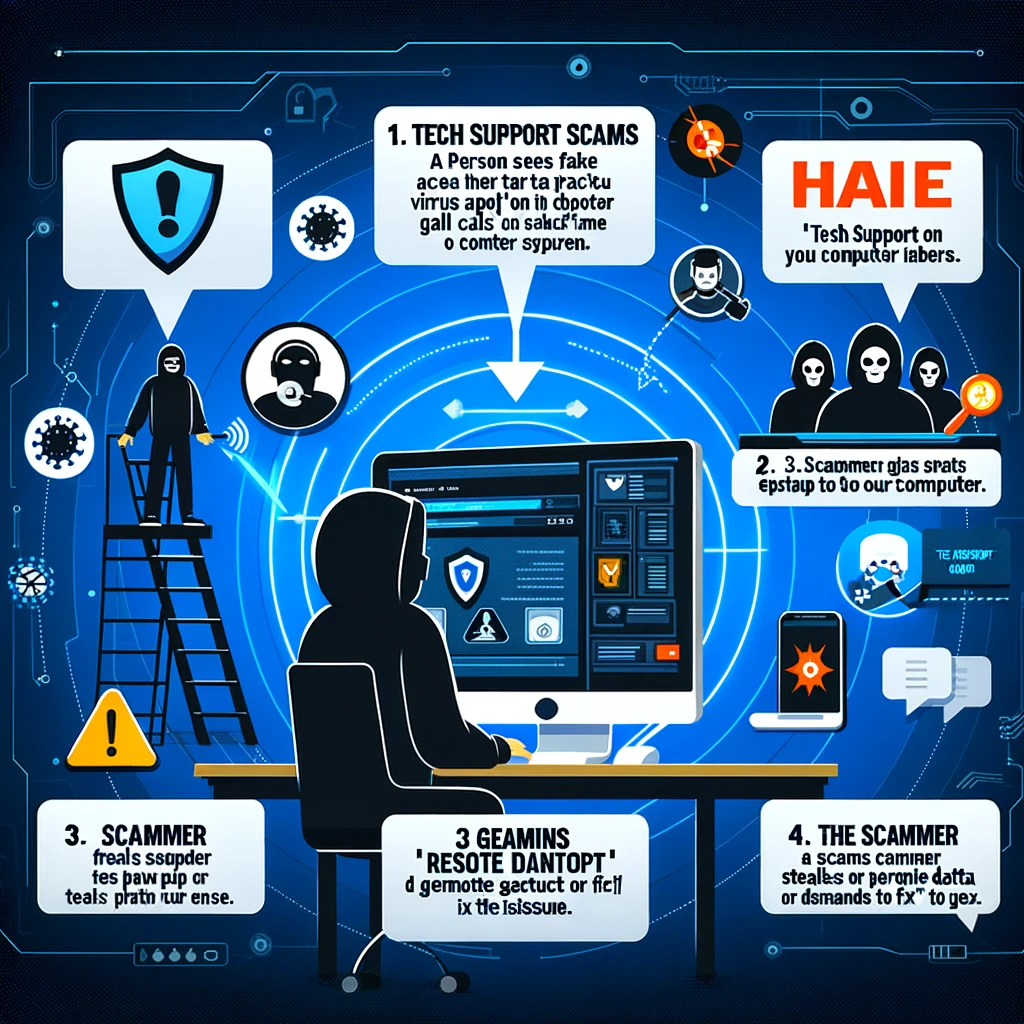
🚨 How it works:
- You get a popup alert saying your device has a virus ⚠️
- It tells you to call a “tech support” number ☎️
- Scammers gain remote access and steal your data 😨
🛡️ How to avoid it:
✅ Ignore random pop-ups claiming your device is infected
✅ Never call unknown tech support numbers
✅ Use trusted antivirus software like Malwarebytes
4️⃣ Social Media Scams: Fake Giveaways & Impersonation
🔍 Social media scams and how to avoid them
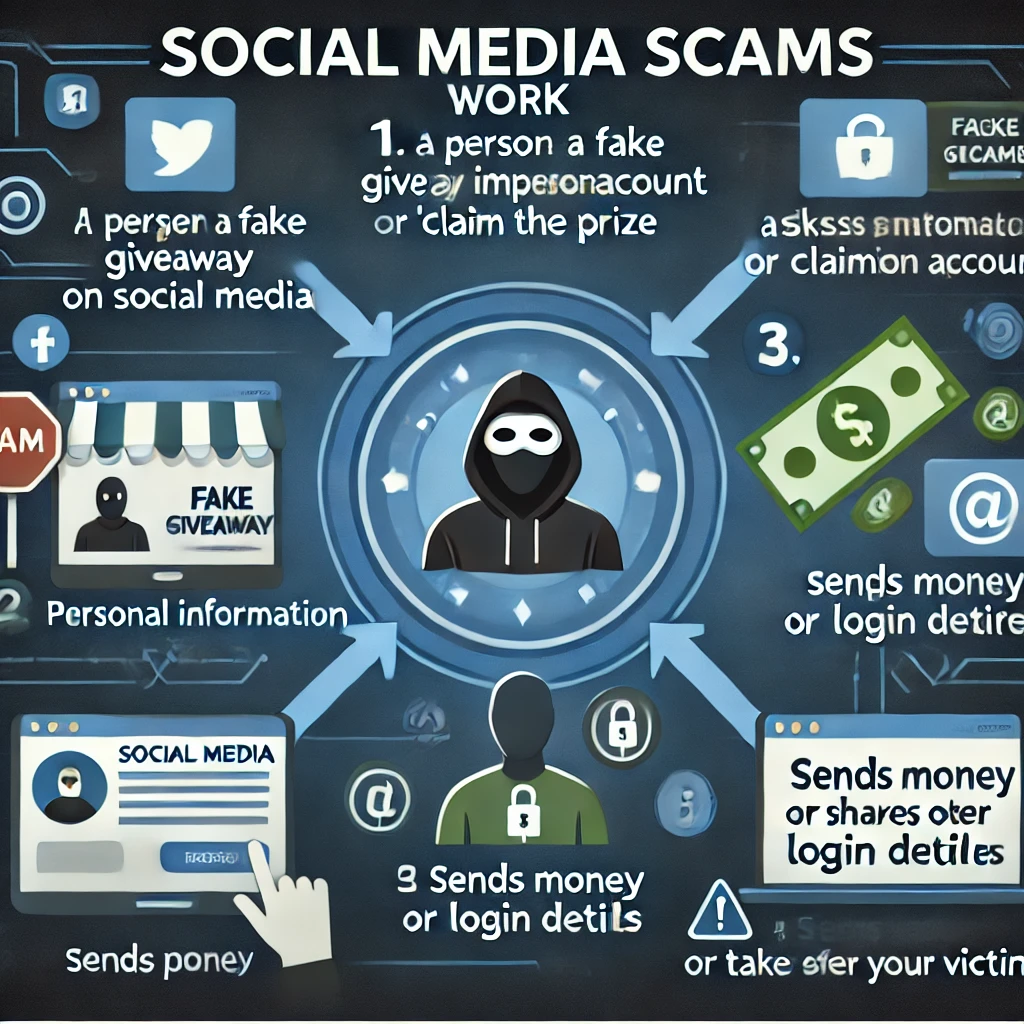
🚨 How it works:
- A fake celebrity or brand account hosts a “giveaway” 🎁
- They ask for your personal details or money 💰
- Once you send payment or login details, they disappear 🚨
🛡️ How to stay safe:
✅ Verify accounts with blue checkmarks before trusting giveaways
✅ Never send money or share login credentials
✅ Report scam accounts to Facebook, Instagram, or Twitter
🔗 Learn more about fake social media giveaways from Meta
5️⃣ Job Scams: Fake Work-From-Home Offers
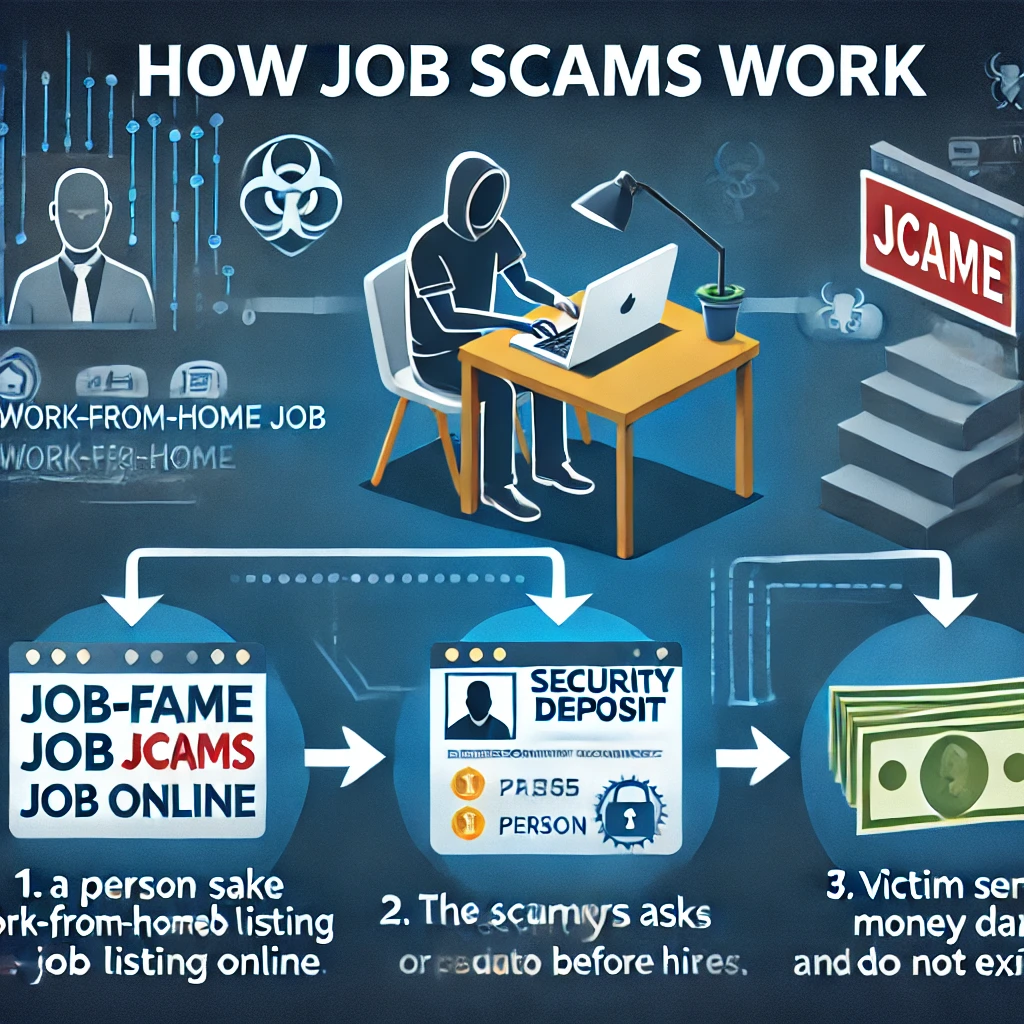
🚨 How it works:
- You find a remote job offer with high pay & no experience required
- The “employer” asks for a security deposit or personal info
- After you pay, the job doesn’t exist 😡
🛡️ How to spot fake job offers:
✅ Research the company website & reviews
✅ Never pay money to get a job
✅ Check job listings on trusted platforms like Indeed & LinkedIn
🔗 Avoid fake job scams with tips from the BBB
🚀 Final Thoughts: Stay One Step Ahead of Scammers!
📢 Cybercriminals are getting smarter—but now, so are you! 😎 By staying informed and following these cybersecurity best practices, you can protect your money, identity, and data.
👉 Want to stay updated on the latest scams? Subscribe to netrinix for weekly alerts!
📌 Share this blog with your friends & family—help them stay scam-free too! 🛡️✨

